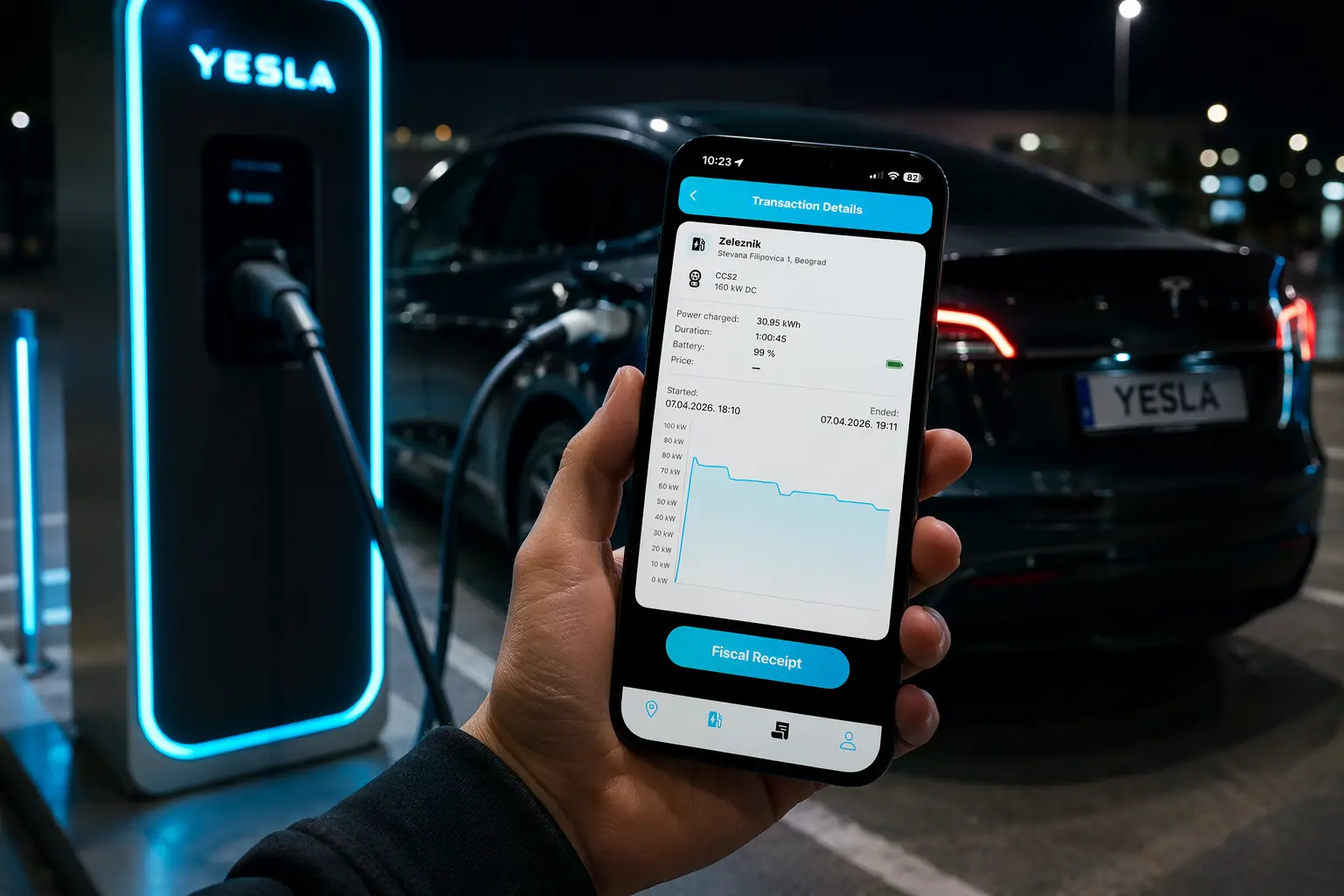
YESLA CHARGING

Simple EV charging
directly from the app

Find a charger, connect your card and start charging directly from the YESLA app.

View usage instructions
YESLA app and EV charging
1
Download
2
Add your card
3
Start charging

HOW IT WORKS

Everything you need for charging in one place

The YESLA app is designed so drivers can find a charger, connect a card and start a charging session in just a few simple steps.

01

Download the app

The YESLA app is available for Android and iPhone devices and is ready for quick and easy use.

02

Add your card

Securely connect your payment card so you can easily pay for charging directly through the app.

03

Find a charger

Browse charger locations, charging power, connector types and pricing on the interactive map.

04

Start charging

Choose the appropriate connector and start charging directly from the app in just a few taps.

INSTRUCTIONS

Using the YESLA app for the first time?

We have prepared a simple step-by-step guide: how to download the app, create an account, connect your card and start charging.

CHARGER LOCATIONS

Find YESLA chargers on the map

Click on a location to see basic charger information, including power, connector types and charging price per minute.

Note: Charger availability may vary in real time. Please check the YESLA app for accurate information.